Intervals.icu Integration
Ridium plugs into Intervals.icu — the data platform serious cyclists already use — so your coach works on your real rides, wellness, and calendar from day one.
One connection, everything follows
Ridium plugs into Intervals.icu — the data platform serious cyclists already use — so your coach works on your real rides, wellness, and calendar from day one.
One connection, everything follows
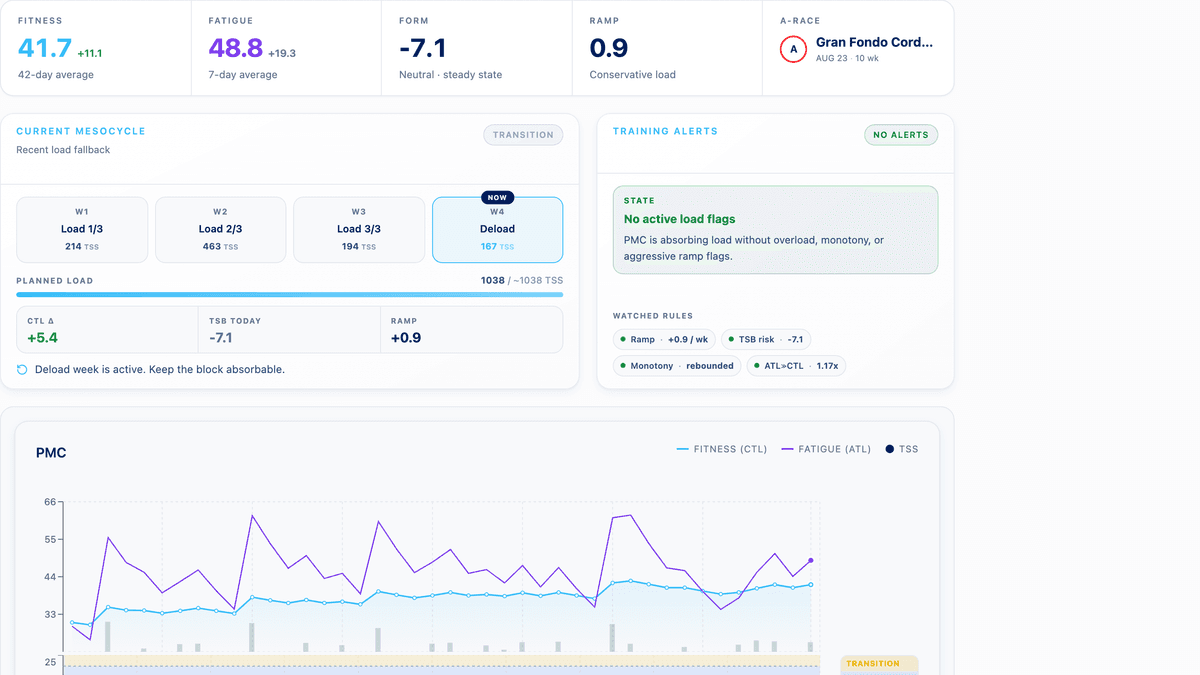
Profile, fitness metrics (CTL/ATL/TSB), activities, power curves, wellness, and calendar events sync automatically.
Always fresh
Real-time webhooks pick up new rides and calendar changes as they happen; you can also sync on demand.
Fast and resilient
Ridium reads from its own database, so pages load instantly and keep working even if Intervals.icu is briefly down.
Two-way where it matters
Workouts and season plans created in Ridium are written back to your Intervals.icu calendar and flow to your head unit.
Strava rides included
Activities that arrive via Strava are recognized and their training load is estimated until full data is available.
Step by step
The same steps you'll find in the help guide.
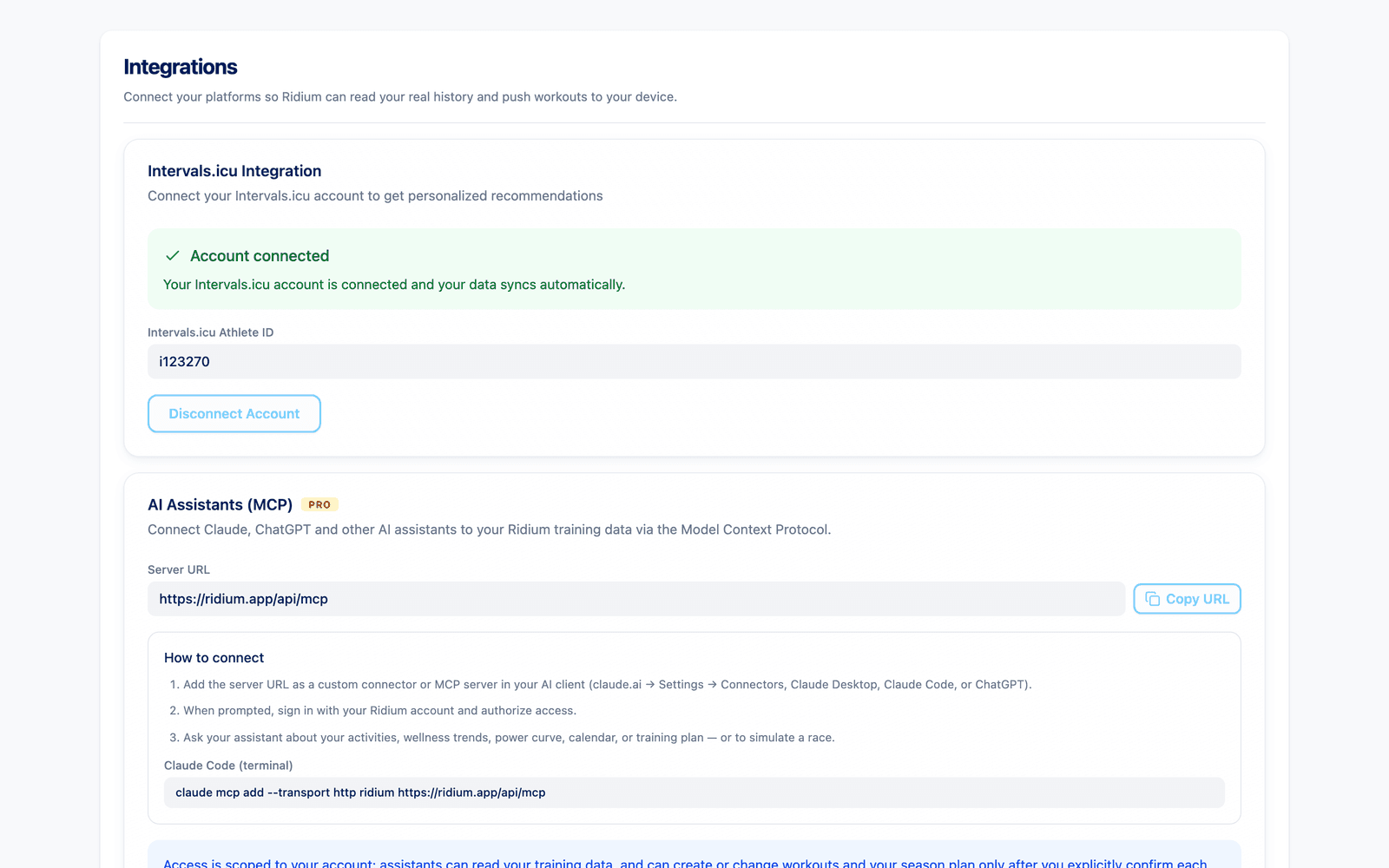
Create your Ridium account and open the connection step (or Account → Integrations).
Authorize Ridium with your Intervals.icu account.
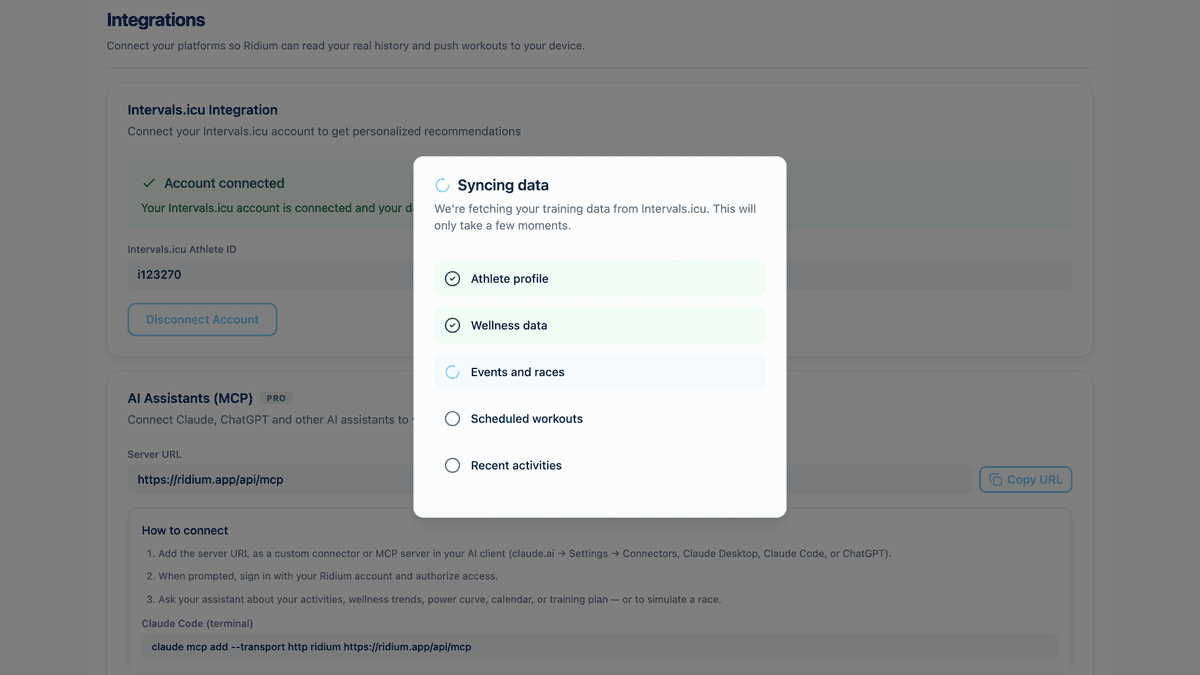
The first sync imports your recent history: profile, ~6 weeks of wellness, a year of activities, workouts, and events, plus power curves.
From then on, changes sync automatically; a manual Sync button is always available.
Everything the AI coach says is grounded in this synced data — no manual uploads, ever.
Screenshots
Real screens from the product, captured with demo data.
Before you start
Do I need Intervals.icu?
What exactly is synced?
How fresh is the data?
Does Ridium write to my calendar?
What about my Strava activities?
Intervals.icu Integration
Connect Intervals.icu and let Ridium work on your real Intervals.icu data.